Frequently Asked Questions
What are the key features of the Tidy app?
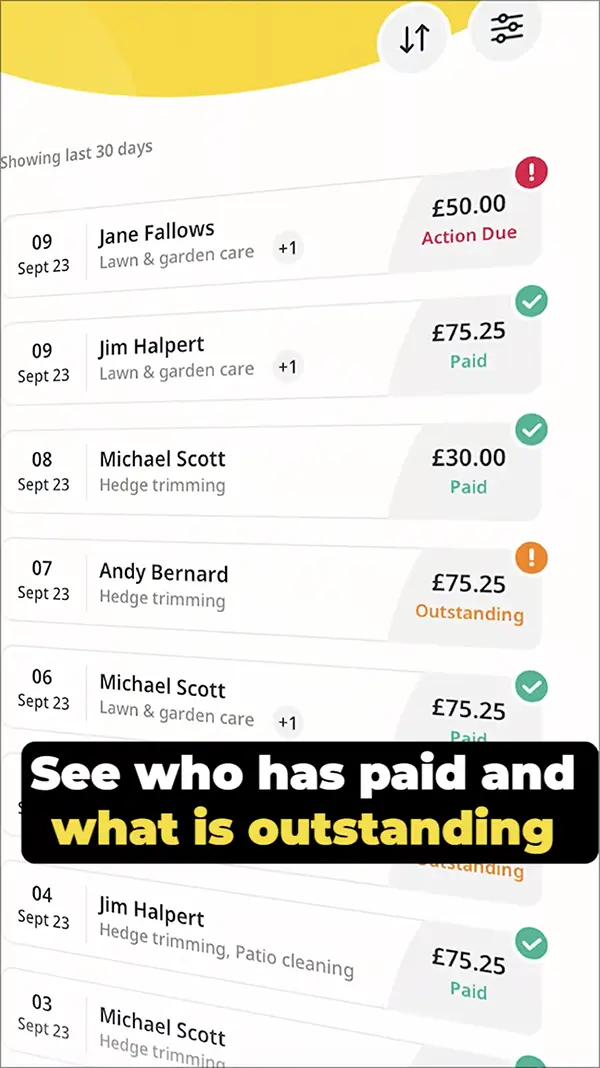
The key features of the Tidy app include simple payment processing, seamless integration with QuickBooks for accounting, and user-friendly setup, all designed to streamline business management for self-employed individuals and tradespeople without long-term contracts.
How does Tidy simplify business administration for self-employed individuals?
Tidy simplifies business administration for self-employed individuals by streamlining payment processing, integrating seamlessly with QuickBooks for accounting, and eliminating the need for long-term contracts, allowing users to focus on their work without administrative burdens.
What benefits can I expect from using Tidy for my business?
The benefits of using Tidy for your business include simplified payment processing, seamless integration with QuickBooks for accounting, and no long-term contracts, allowing you to focus on your work while maintaining smooth cash flow.
What makes Tidy ideal for self-employed users?
Tidy is ideal for self-employed users because it simplifies business administration with easy payment processing, seamless integration with QuickBooks for accounting, and no long-term contracts, allowing professionals to focus on their work without unnecessary hassle.
How does Tidy enhance cash flow management?
Tidy enhances cash flow management by streamlining payment processing, allowing for quicker invoicing and receipt of payments. Its integration with accounting tools ensures accurate financial tracking, helping self-employed individuals maintain a healthy cash flow effortlessly.
Can Tidy integrate with other accounting software?
Tidy can integrate seamlessly with other accounting software, including QuickBooks, allowing you to manage your finances effortlessly. This integration streamlines your business operations and ensures accurate financial tracking.
What payment options does Tidy support?
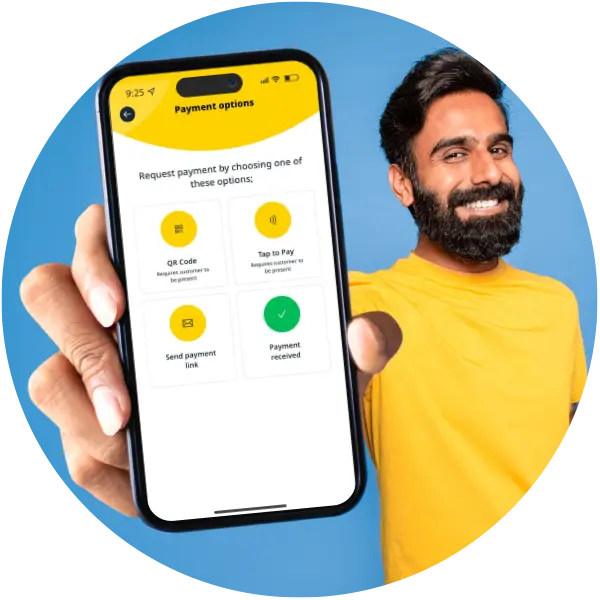
Tidy supports various payment options, including credit and debit cards, bank transfers, and popular digital wallets, ensuring flexibility for your clients and simplifying the payment process for your business.
How user-friendly is the Tidy app?
The Tidy app is designed to be highly user-friendly, featuring an intuitive interface that makes setup and navigation simple for self-employed individuals and tradespeople, allowing them to focus on their work without any hassle.
What are Tidys security features for data protection?
Tidy's security features for data protection include robust encryption, secure payment processing, and regular security audits to safeguard user information, ensuring that your business data remains confidential and protected against unauthorized access.
How quickly can I set up Tidy?
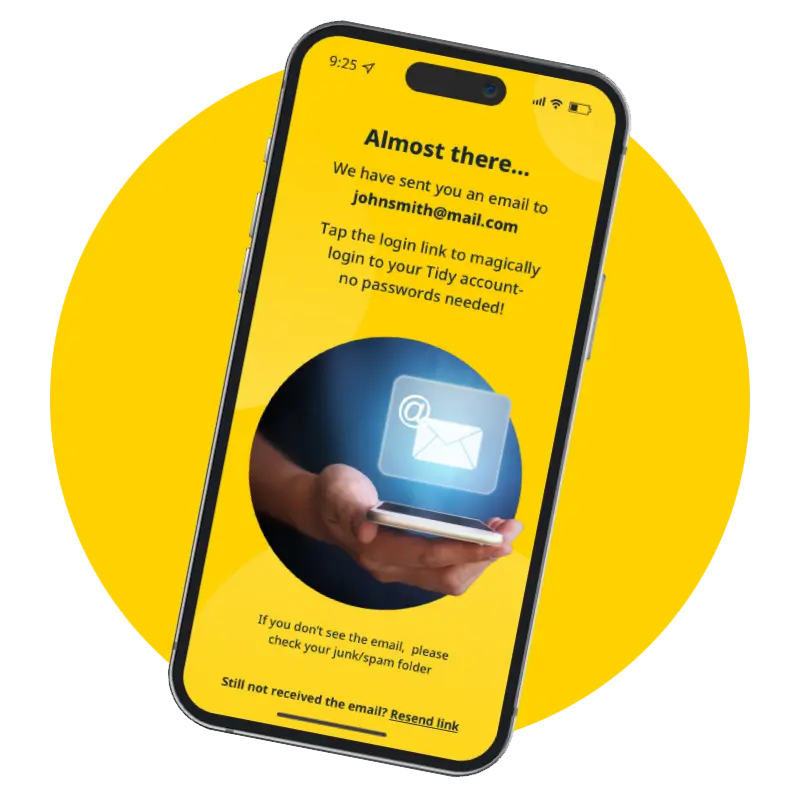
Setting up Tidy is quick and straightforward. You can start using the app within minutes, allowing you to focus on your business without delay.
What support does Tidy offer for new users?
Tidy offers comprehensive support for new users, including easy-to-follow setup guides, helpful tutorials, and responsive customer service to ensure a smooth onboarding experience.
How does Tidy help with invoicing processes?
Tidy simplifies invoicing processes by allowing users to create and send professional invoices quickly, track payments, and manage reminders, ensuring timely cash flow and reducing administrative burdens for self-employed individuals and tradespeople.
What reporting features are available in Tidy?
The reporting features available in Tidy include detailed income and expense reports, cash flow analysis, and customizable financial summaries, all designed to help self-employed individuals monitor their business performance effectively.
How does Tidy assist with tax preparation?
Tidy assists with tax preparation by streamlining expense tracking and generating detailed reports, making it easy for self-employed individuals to organise their financial data. This ensures accurate and efficient tax filing, helping users maximise deductions and minimise stress.
Can Tidy track expenses effectively?
Tidy effectively tracks expenses, allowing self-employed individuals and tradespeople to monitor their spending effortlessly. With its user-friendly interface, you can categorise and manage expenses in real-time, ensuring accurate financial oversight.
What are the costs associated with using Tidy?
The costs associated with using Tidy include a straightforward subscription fee with no long-term contracts, allowing you to manage your business expenses effectively without hidden charges or commitments.
How does Tidy improve client communication?
Tidy improves client communication by providing a streamlined platform for messaging, updates, and invoicing, ensuring that all interactions are organised and easily accessible. This fosters clarity, reduces misunderstandings, and enhances professional relationships.
What feedback do users give about Tidy?
User feedback about Tidy highlights its user-friendly interface, efficient payment processing, and seamless integration with QuickBooks, making business management simpler for self-employed individuals and tradespeople. Users appreciate the absence of long-term contracts, enhancing flexibility.
How does Tidy handle recurring payments?
Tidy handles recurring payments by allowing users to set up automated billing cycles, ensuring that invoices are generated and sent to clients at specified intervals without manual intervention, streamlining cash flow management for self-employed individuals.
What customisation options does Tidy provide?
Tidy provides various customisation options to tailor the app to your specific business needs, including personalised invoice templates, custom branding elements, and adjustable settings for payment processing, ensuring a seamless experience for self-employed individuals.
How does Tidy support tradespeople specifically?
Tidy supports tradespeople by providing tailored features that simplify payment processing, streamline invoicing, and integrate with accounting tools like QuickBooks, enabling them to manage their business efficiently and focus on their craft without administrative burdens.
What are the advantages of using Tidy over competitors?
The advantages of using Tidy over competitors include its user-friendly interface, seamless payment processing, integration with QuickBooks for efficient accounting, and the flexibility of no long-term contracts, specifically designed for self-employed individuals and tradespeople.
How does Tidy facilitate business growth?
Tidy facilitates business growth by streamlining administrative tasks, enabling efficient payment processing, and integrating seamlessly with QuickBooks for accounting. This allows self-employed individuals to focus on their core work, ultimately enhancing productivity and cash flow.
What training resources does Tidy offer?
Tidy offers a variety of training resources, including comprehensive tutorials, video guides, and user manuals, designed to help self-employed individuals and tradespeople effectively utilise the app to streamline their business operations.
How can Tidy help with time management?
Tidy helps with time management by streamlining business administration tasks, allowing self-employed individuals to automate invoicing and payment processing. This efficiency frees up valuable time, enabling users to focus more on their core work activities.
What are the limitations of the Tidy app?
The limitations of the Tidy app include its focus primarily on self-employed individuals and tradespeople, which may not cater to larger businesses, and it lacks certain advanced accounting features found in more comprehensive software.
How does Tidy ensure compliance with regulations?
Tidy ensures compliance with regulations by continuously updating its software to meet industry standards, implementing secure data practices, and providing users with resources and guidance on relevant legal requirements, helping self-employed individuals stay compliant effortlessly.
What updates are regularly made to Tidy?
Regular updates to Tidy include enhancements to payment processing features, integration improvements with QuickBooks, and user interface upgrades, all aimed at optimising performance and user experience for self-employed individuals and tradespeople.
How can I provide feedback on Tidy?
Providing feedback on Tidy is simple. You can share your thoughts directly through the app's feedback feature or contact our support team via email. Your insights help us improve and enhance your experience.
What success stories exist from Tidy users?
Success stories from Tidy users highlight significant improvements in business efficiency and cash flow management. Many self-employed professionals report streamlined payment processing and enhanced organisation, allowing them to focus more on their work and less on administrative tasks.